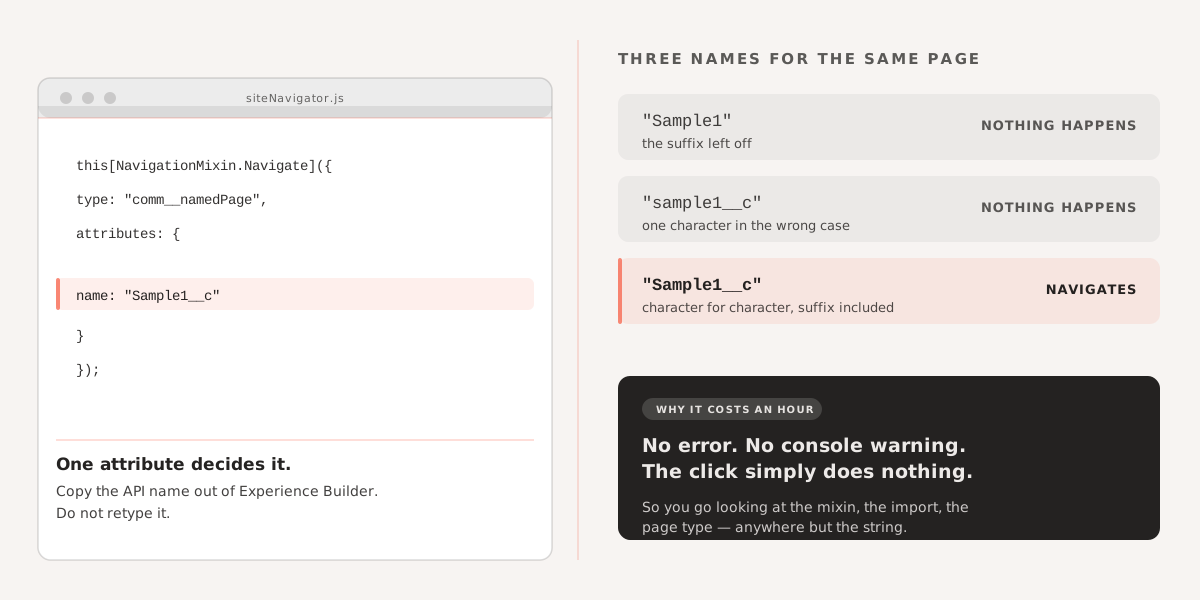
NavigationMixin.Navigate fails silently in Experience Cloud when the page’s API name doesn’t match exactly. The name is case-sensitive, and custom site pages carry a __c suffix that is easy to leave off.
Here is the call that works, using the comm__namedPage page type:
let authenticatedUser = await this.callAuthenticationOrAnyother();

if (!authenticatedUser) {
  this[NavigationMixin.Navigate]({
    type: "comm__namedPage",
    attributes: {
      name: "Sample1__c"
    }
  });
}
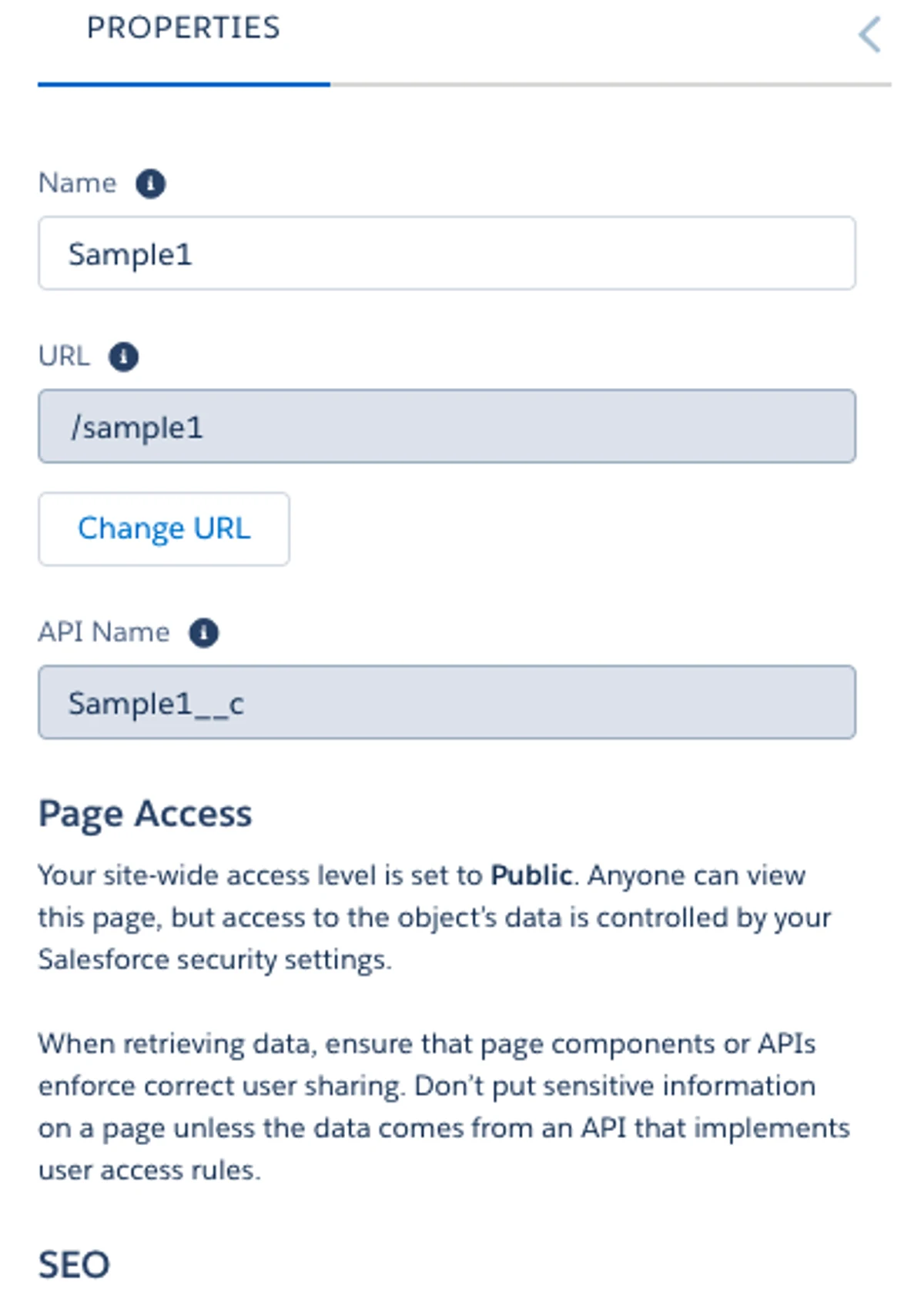
The one thing I had wrong was the name attribute. Copy the API name straight out of Experience Builder rather than retyping it — match the casing character for character, and keep the __c suffix:
If you are working on Salesforce Experience Cloud customisation and need to bring in external libraries, you might find Loading Stripe.js in an LWC: Why You Need Light DOM useful as well.
End of entryFiled 05 May 2022 · Salesforce