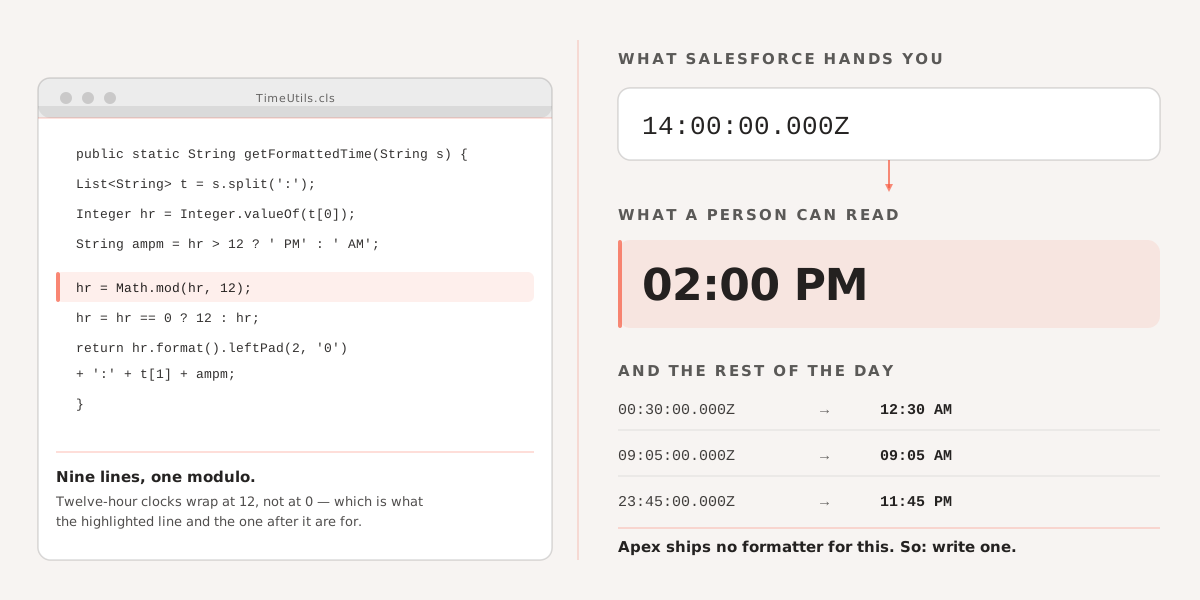
Since as on today we don’t have any inbuilt method which can format this type of String “ 14:00:00.000Z” like “2:00 PM” So wrote a snippet for this and may be useful.
  /**
   * Expecting a time string will be looks like  14:00:00.000Z and expected output
   * will be 02:00 PM/AM
   */
  public static String getFormattedTime(String sTime) {
    if (String.isNotBlank(sTime)) {
      List<String> listOfTimeToken = sTime.split(':');
      if (
        listOfTimeToken.size() == 3 &&
        String.isNotBlank(listOfTimeToken[0]) &&
        String.isNotBlank(listOfTimeToken[1])
      ) {
        Integer hr = Integer.valueOf(listOfTimeToken[0]);
        String min = listOfTimeToken[1];
        String aMPM = hr > 12 ? ' PM' : ' AM';
        hr = Math.mod(hr, 12);
        hr = hr == 0 ? 12 : hr;
        String sHr = hr.format();
        sHr = sHr.leftPad(2, '0');
        sTime = sHr + ':' + min + aMPM;
      }
    }
    return sTime;
  }
If you need to handle timezone conversion alongside formatting, Converting Date, Time, and Timezone to a GMT DateTime in Salesforce covers the full UTC conversion pattern.
End of entryFiled 06 Jun 2022 · Salesforce